

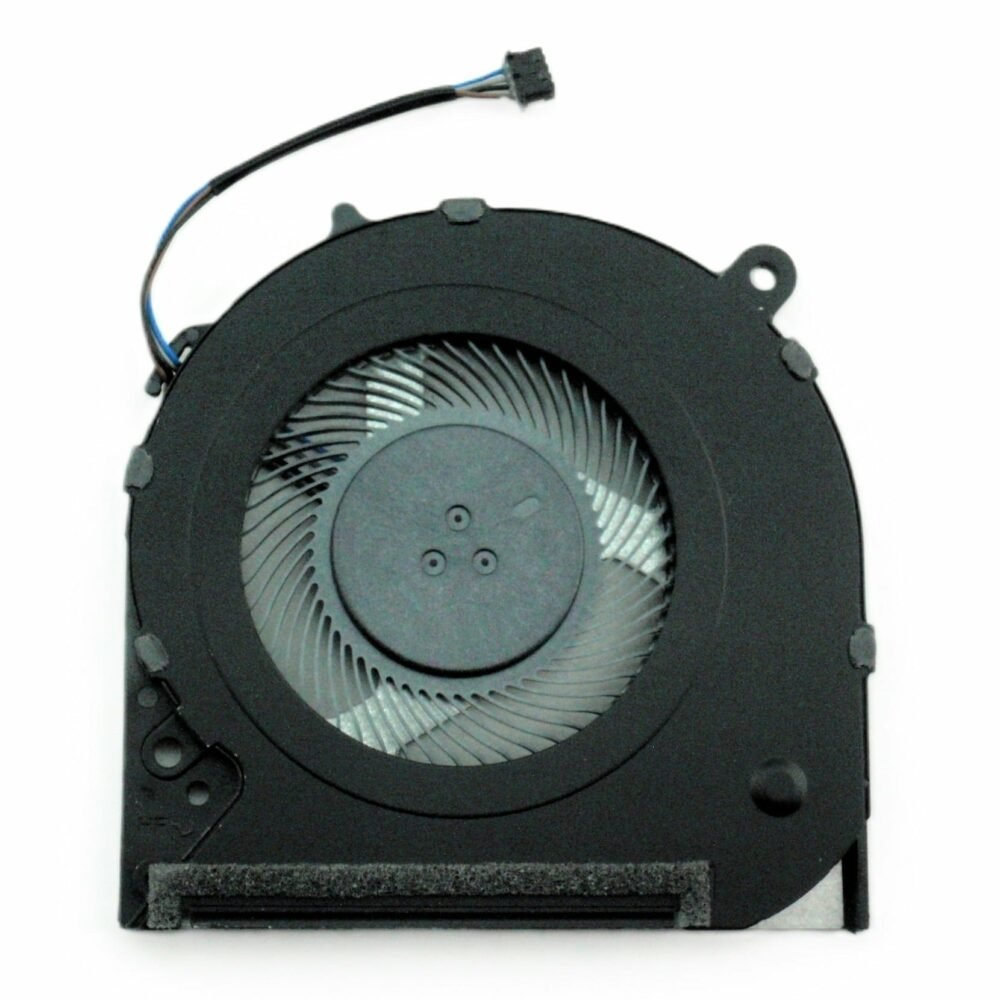
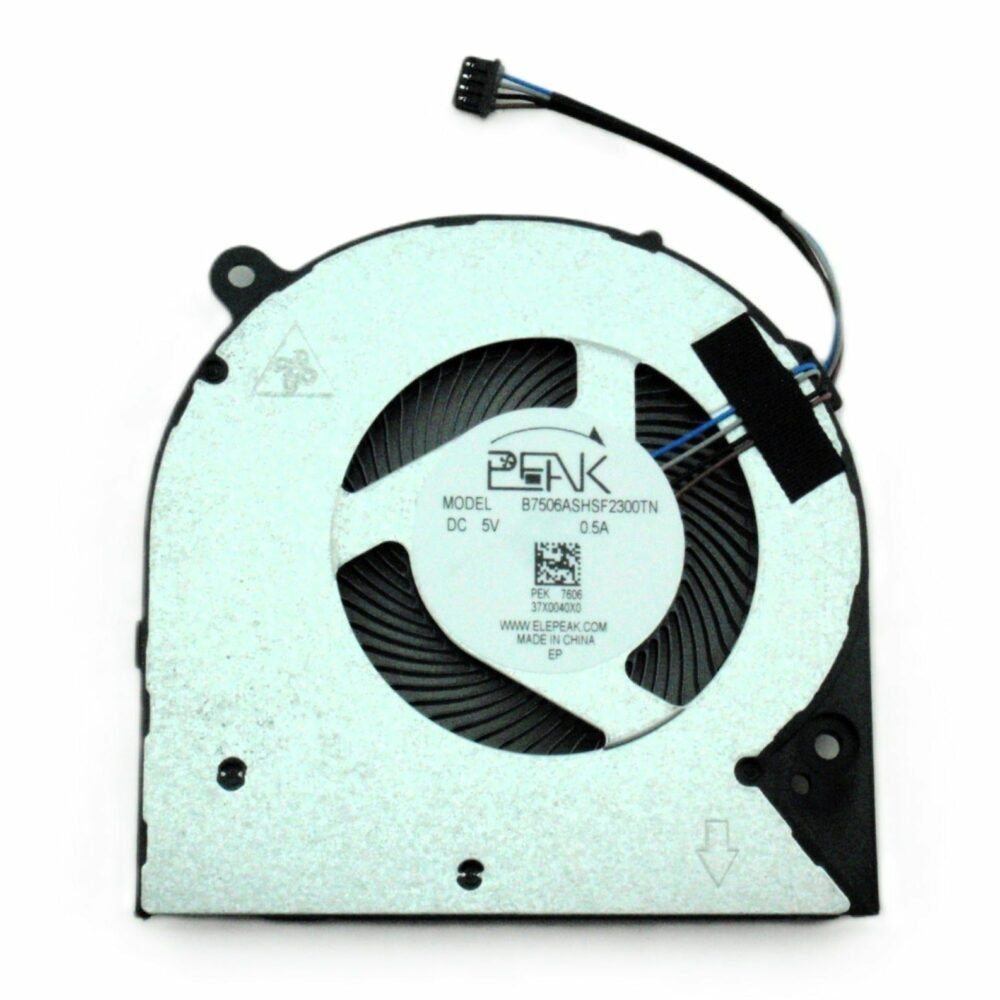
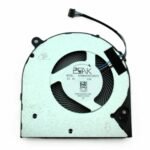
Cooling Fan
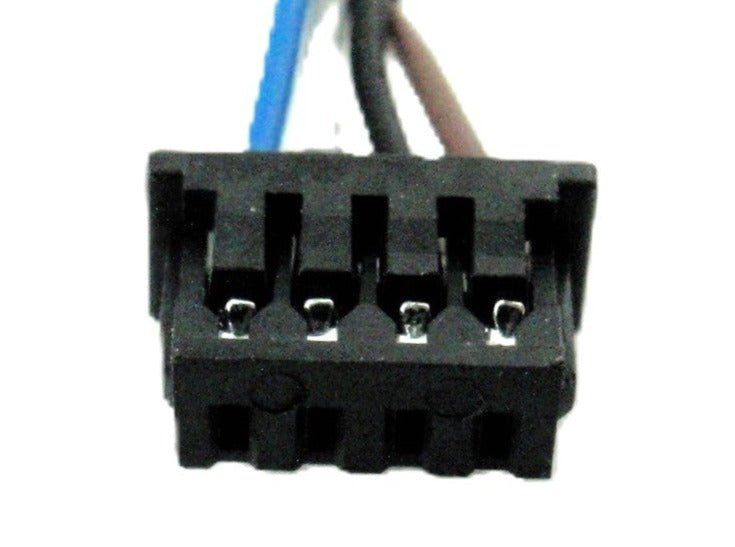
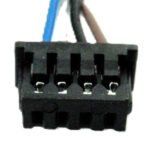
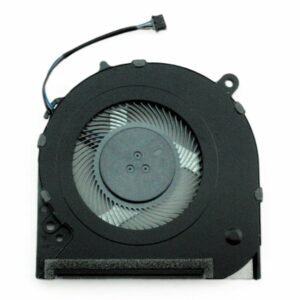
This replacement cooling fan is intended for compatible laptop models. Fan shape, mounting, connector and cooling assembly can vary between models.
Key points
- Replacement cooling fan
- Compare connector, mounting and fan assembly
- Suitable for replacing a noisy or failed fan
- Exact-model compatibility can be checked above
Good to know
Compatibility can vary by exact laptop model, revision and component configuration. Use the compatibility checker above before ordering.
Installation
Typical difficulty: Intermediate / model-dependent
Power off the laptop before service. Follow the cooling assembly procedure and inspect thermal interface material where applicable.
About Cooling Fan
A laptop cooling fan moves air through the cooling system to help remove heat from the CPU and other components.
Product Description
HP CPU Thermal Cooling Fan 240 246 G7 240G7 246G7 L23189-001 L23191-001 6033B0062401 DFS5200005AR0T-FKMY 14-CF 14-CK 14-CM 14-DA 14-DK 14-MA 14S-DP L23189-001
Recognizing symptoms of a faulty laptop fan is crucial for maintaining the health and performance of your device. Here are some signs that indicate it may be time for a laptop fan replacement:
Loud or Unusual Noises:
If you notice unusually loud or grinding noises emanating from your laptop, it could indicate an issue with the fan’s bearings. This may necessitate a replacement to avoid further damage.
Overheating Issues:
Persistent overheating and frequent thermal shutdowns are clear indicators of a malfunctioning fan. The fan’s primary role is to dissipate heat, and any failure in this function can lead to severe performance issues.
Inconsistent Performance:
If you experience unexpected performance drops or sluggishness, it might be linked to an overheating problem. A failing fan struggles to maintain the optimal temperature, affecting the laptop’s overall performance.
System Error Messages:
Some laptops provide error messages or alerts when they detect issues with the cooling system. Pay attention to any system notifications indicating a problem with the fan.
Visible Damage:
Physically inspect the fan vents for any visible damage, such as bent blades or blockages. Visible wear and tear are signs that the fan may be compromised and requires replacement.
Fan Not Spinning:
A fan that is not spinning at all is a clear indication of a malfunction. This can lead to severe overheating and potential damage to other internal components.
If you observe any of these symptoms, it’s advisable to consult a professional technician for a thorough assessment. Prompt replacement of a faulty laptop fan can prevent more significant issues and extend the overall lifespan of your device.
HP CPU Thermal Cooling Fan 240 246 G7 240G7 246G7 L23189-001 L23191-001 6033B0062401 DFS5200005AR0T-FKMY 14-CF 14-CK 14-CM 14-DA 14-DK 14-MA 14S-DP L23189-001
The laptop fan plays a crucial role in maintaining the optimal temperature of your device, preventing overheating and ensuring peak performance. Over time, however, these fans can encounter issues that may necessitate attention. Here are common aspects associated with laptop fans:
Functionality:
The primary function of a laptop fan is to dissipate heat generated by the internal components, preventing overheating and potential damage.
Symptoms of Fault:
Unusual noises, such as grinding or loud whirring, may indicate issues with the fan’s bearings. Persistent overheating, inconsistent performance, and unexpected system shutdowns are also signs of a potential problem.
Causes of Issues:
Dust accumulation, worn-out bearings, or general wear and tear can contribute to fan malfunctions. Physical damage, such as bent blades or blockages, may also affect its performance.
Preventive Maintenance:
Regular cleaning of fan vents and keeping the laptop on flat, hard surfaces can prevent dust buildup and promote optimal airflow, reducing the strain on the fan.
Replacement:
If the fan is identified as faulty or damaged, timely replacement is crucial. Ignoring fan issues can lead to more significant problems, impacting the laptop’s overall functionality.
Professional Assessment:
If you observe any symptoms of a malfunctioning fan, it is advisable to consult a professional technician. They can conduct a thorough assessment, determine the extent of the issue, and recommend appropriate solutions, which may include a fan replacement.
Ensuring the proper functioning of your laptop fan is essential for a smooth computing experience. Regular maintenance and addressing issues promptly contribute to the longevity and efficiency of your device.
HP CPU Thermal Cooling Fan 240 246 G7 240G7 246G7 L23189-001 L23191-001 6033B0062401 DFS5200005AR0T-FKMY 14-CF 14-CK 14-CM 14-DA 14-DK 14-MA 14S-DP L23189-001

Reviews
There are no reviews yet.