

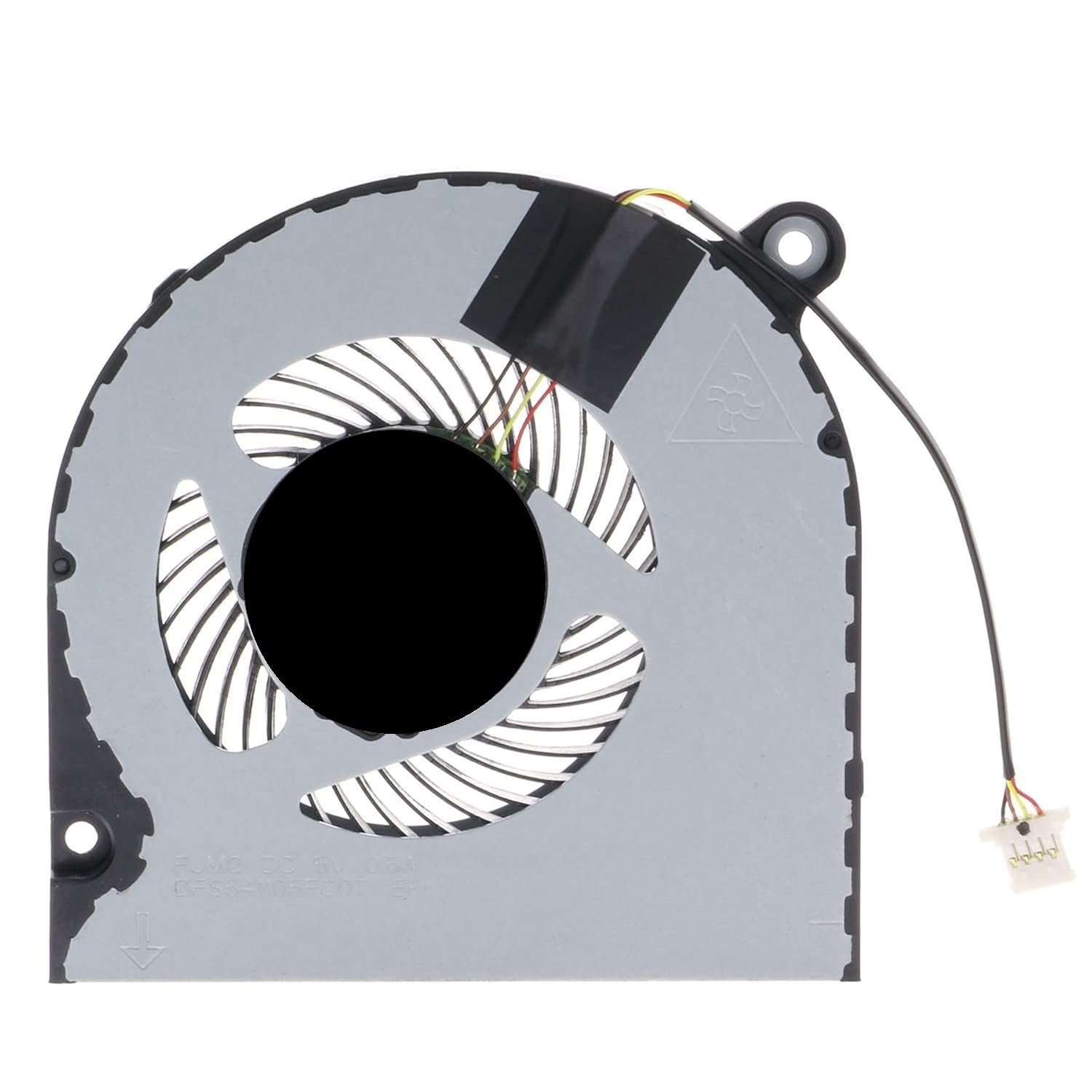
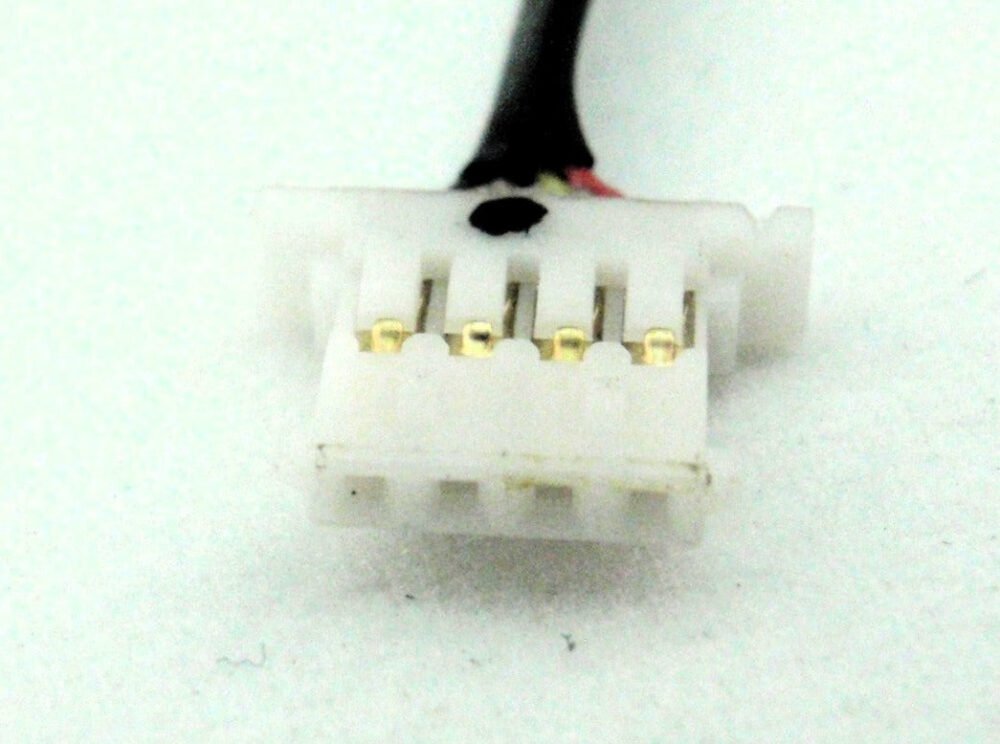
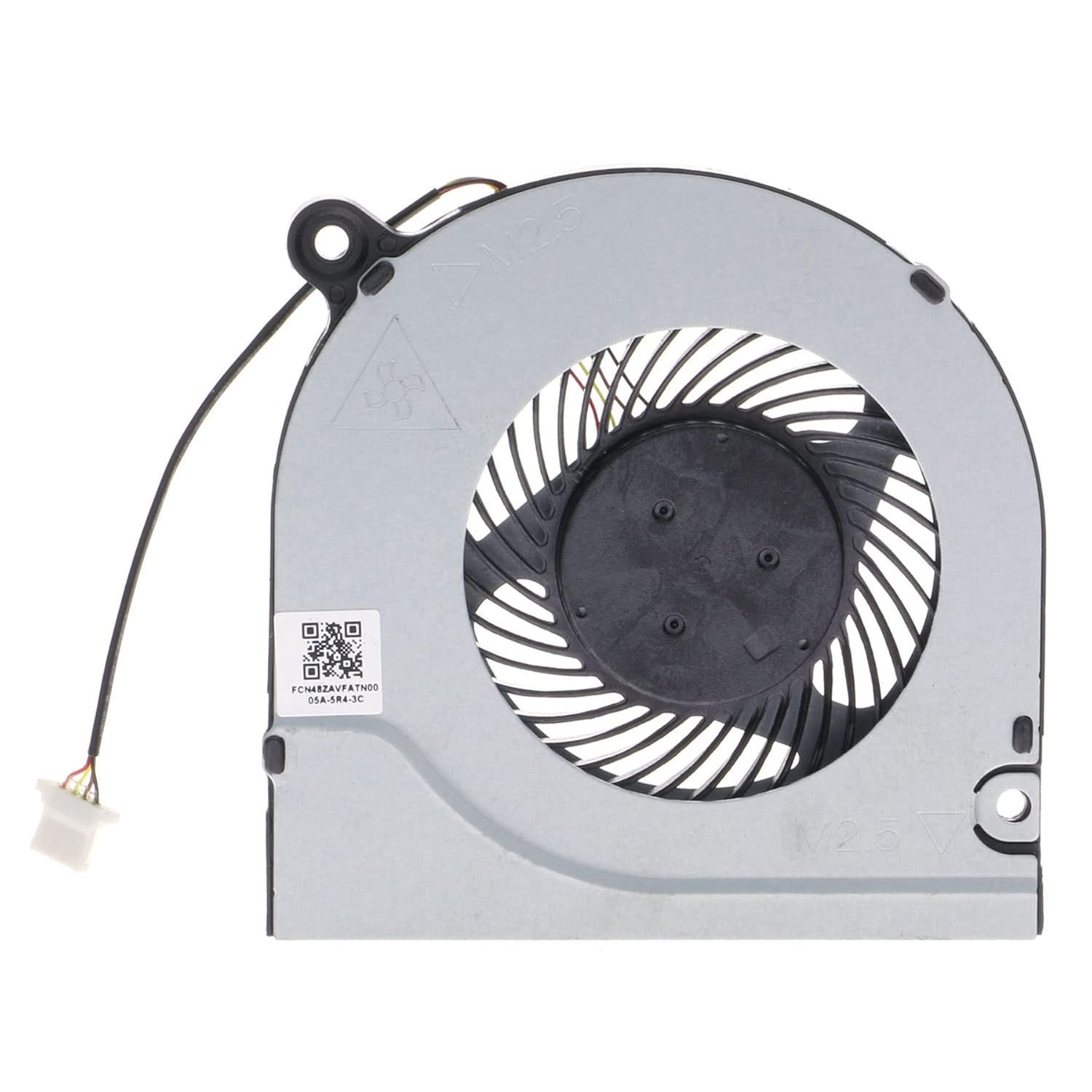
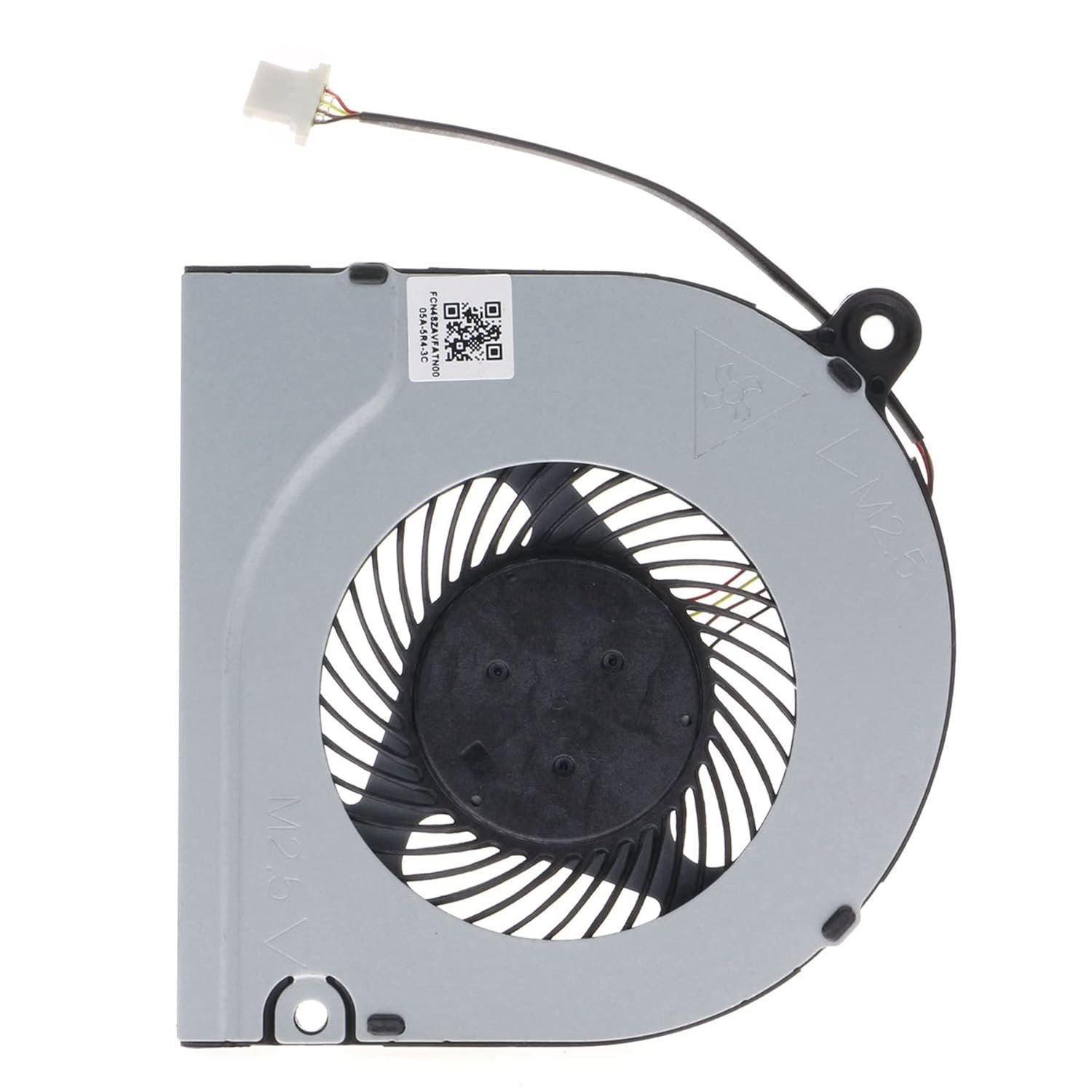

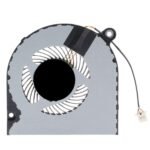
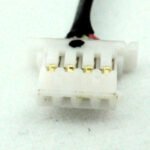
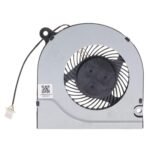
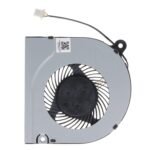
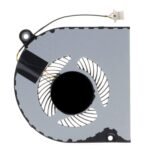
Acer Aspire A115-31
Acer Aspire A314-31
Acer Aspire A314-32
Acer Aspire A315-21
Acer Aspire A315-22
Acer Aspire A315-31
Acer Aspire A315-34
Acer Aspire A315-41
Acer Aspire A315-41G
Acer Aspire A315-42
Acer Aspire A315-42G
Acer Aspire A315-51
Acer Aspire A315-52
Acer Aspire A315-54
Acer Aspire A315-54K
Acer Aspire A315-56
Acer Aspire A317-32
Acer Aspire A317-51
Acer Aspire A317-51G
Acer Aspire A317-52
Acer Aspire A514-52
Acer Aspire A514-52G
Acer Aspire A514-52K
Acer Aspire A514-53
Acer Aspire A514-54G
Acer Aspire A515-41
Acer Aspire A515-43
Acer Aspire A515-44
Acer Aspire A515-44G
Acer Aspire A515-51
Acer Aspire A515-51G
Acer Aspire A515-52
Acer Aspire A515-52G
Acer Aspire A515-52K
Acer Aspire A515-52KG
Acer Aspire A515-54
Acer Aspire A515-54G
Acer Aspire A515-55
Acer Aspire A517-52
Acer Aspire A517-52G
Acer Aspire A615-51
Acer Aspire A715-71
Acer Aspire A715-71G
Acer Aspire A715-72
Acer Aspire A715-72G
Acer Aspire A715-73
Acer Aspire A715-73G
Acer Aspire A717-72
Acer Aspire A717-75
Acer Nitro AN515-41
Acer Nitro AN515-51
Acer Extensa EX215-51
Acer Predator Helios 300 G3-571
Acer Predator Helios 300 G3-572
Acer Predator Helios 300 PH315-51
Acer 13N1-01A0412
Acer 23.A5GN2.001
Acer 23.GP4N2.001
Acer 23.H14N2.001
Acer 23.HEFN2.001
Acer 23.HEPN8.001
Acer 23.SHXN7.001
Acer 48ZAVFATN10
Acer DC28000JSD0
Acer DC28000JSF0
Acer DC28000K4D0
Acer DC28000L2D0
Acer DC28000N5D0
Acer DC28000NSD0
Acer DC28000NSF0
Acer DFS541105FC0T FJMQ
Acer DFS541105FC0T FJP5
Acer DFS541105FC0T FLAJ
Acer DFS541105FC0T FLMN
Acer DFS541105FC0T-FJP5
Acer HQ23300040007
Acer NS85B11-18M09
Acer NS85B11-18M22
Acer NS85C06-17K14
Acer CPU Cooling Fan DC28000L2D0 NS85C06-17K14 NS85B11-18M09 DC28000K4D0 DC28000JSD0 DC28000JSF0 Aspire 5 A515-55 Nitro 5 AN515-41 Predator Helios 300 G3-571 G3-572 PH315-51Recognizing symptoms of a faulty laptop fan is crucial for maintaining the health and performance of your device. Here are some signs that indicate it may be time for a laptop fan replacement:
Loud or Unusual Noises:
If you notice unusually loud or grinding noises emanating from your laptop, it could indicate an issue with the fan’s bearings. This may necessitate a replacement to avoid further damage.
Overheating Issues:
Persistent overheating and frequent thermal shutdowns are clear indicators of a malfunctioning fan. The fan’s primary role is to dissipate heat, and any failure in this function can lead to severe performance issues.
Inconsistent Performance:
If you experience unexpected performance drops or sluggishness, it might be linked to an overheating problem. A failing fan struggles to maintain the optimal temperature, affecting the laptop’s overall performance.
System Error Messages:
Some laptops provide error messages or alerts when they detect issues with the cooling system. Pay attention to any system notifications indicating a problem with the fan.
Visible Damage:
Physically inspect the fan vents for any visible damage, such as bent blades or blockages. Visible wear and tear are signs that the fan may be compromised and requires replacement.
Fan Not Spinning:
A fan that is not spinning at all is a clear indication of a malfunction. This can lead to severe overheating and potential damage to other internal components.
If you observe any of these symptoms, it’s advisable to consult a professional technician for a thorough assessment. Prompt replacement of a faulty laptop fan can prevent more significant issues and extend the overall lifespan of your device.
Acer CPU Cooling Fan DC28000L2D0 NS85C06-17K14 NS85B11-18M09 DC28000K4D0 DC28000JSD0 DC28000JSF0 Aspire 5 A515-55 Nitro 5 AN515-41 Predator Helios 300 G3-571 G3-572 PH315-51The laptop fan plays a crucial role in maintaining the optimal temperature of your device, preventing overheating and ensuring peak performance. Over time, however, these fans can encounter issues that may necessitate attention. Here are common aspects associated with laptop fans:
Functionality:
The primary function of a laptop fan is to dissipate heat generated by the internal components, preventing overheating and potential damage.
Symptoms of Fault:
Unusual noises, such as grinding or loud whirring, may indicate issues with the fan’s bearings. Persistent overheating, inconsistent performance, and unexpected system shutdowns are also signs of a potential problem.
Causes of Issues:
Dust accumulation, worn-out bearings, or general wear and tear can contribute to fan malfunctions. Physical damage, such as bent blades or blockages, may also affect its performance.
Preventive Maintenance:
Regular cleaning of fan vents and keeping the laptop on flat, hard surfaces can prevent dust buildup and promote optimal airflow, reducing the strain on the fan.
Replacement:
If the fan is identified as faulty or damaged, timely replacement is crucial. Ignoring fan issues can lead to more significant problems, impacting the laptop’s overall functionality.
Professional Assessment:
If you observe any symptoms of a malfunctioning fan, it is advisable to consult a professional technician. They can conduct a thorough assessment, determine the extent of the issue, and recommend appropriate solutions, which may include a fan replacement.
Ensuring the proper functioning of your laptop fan is essential for a smooth computing experience. Regular maintenance and addressing issues promptly contribute to the longevity and efficiency of your device.
Acer CPU Cooling Fan DC28000L2D0 NS85C06-17K14 NS85B11-18M09 DC28000K4D0 DC28000JSD0 DC28000JSF0 Aspire 5 A515-55 Nitro 5 AN515-41 Predator Helios 300 G3-571 G3-572 PH315-51
Reviews
There are no reviews yet.